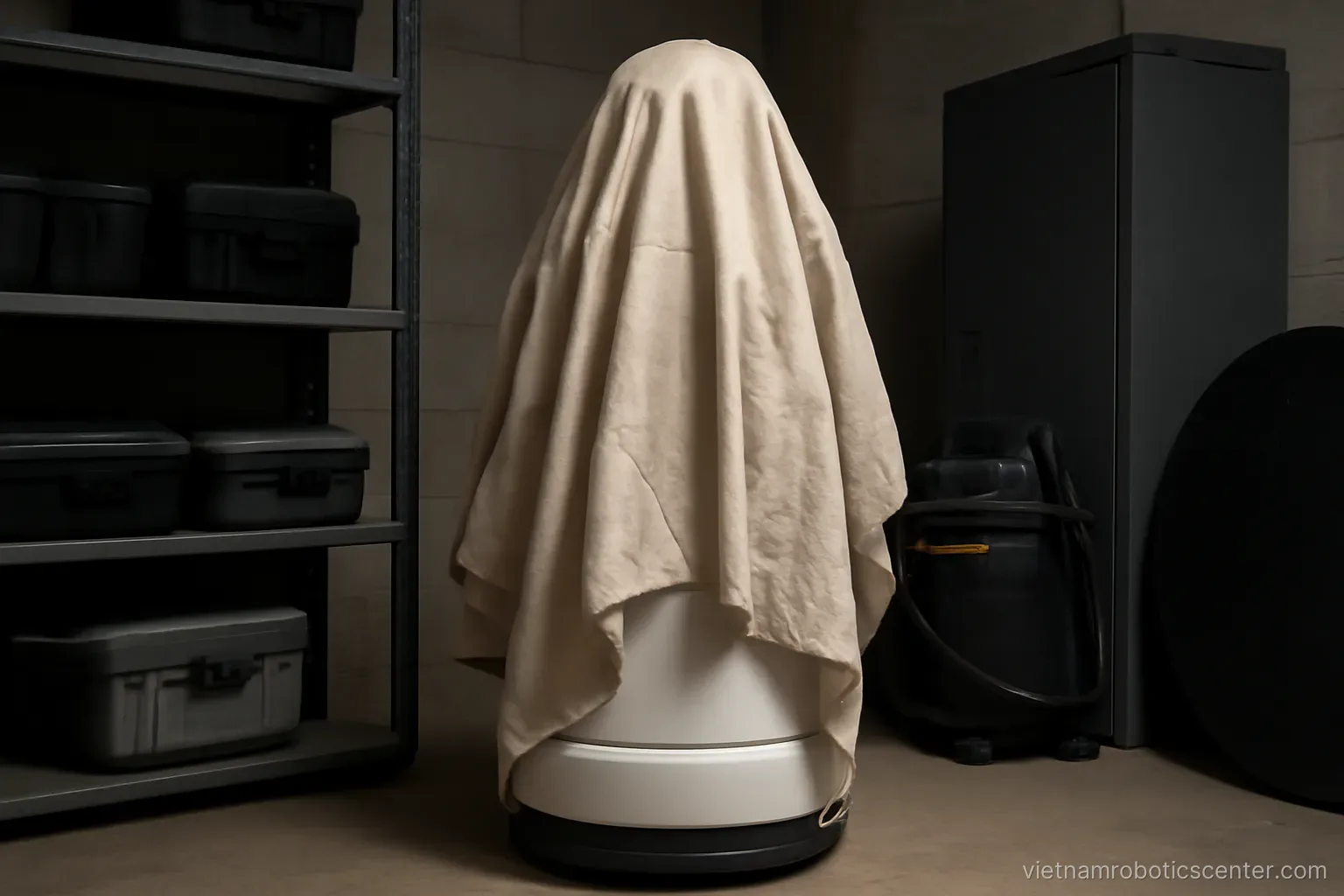
Service robots rarely break suddenly. They degrade — moving more slowly, bumping into things more often, hearing less well — until nobody wants to use them. Most of that process is preventable with a few very simple routines.
The daily check: five minutes
Done at the start of a shift, as habitual as opening the doors.
Is it powered and connected. Obvious-sounding, and the leading reason a robot is inactive on any given day.
Battery level. Enough for the shift or needing a top-up.
Are the screen and casing clean. Dust accumulates fast, particularly in lobbies and semi-outdoor areas.
Are the sensor areas obstructed. Dust, fingerprints, or somebody having stuck a notice on it. Dirty sensors are the most common reason a robot's movement deteriorates.
Are speaker and microphone obstructed.
Any unusual noise when moving. A sound from the wheels is an early warning.
Note it in the shift log. One line, problem or no problem. Simple, and it creates the history needed to trace causes later.
Cleaning and sensor care
The highest-impact work per minute invested.
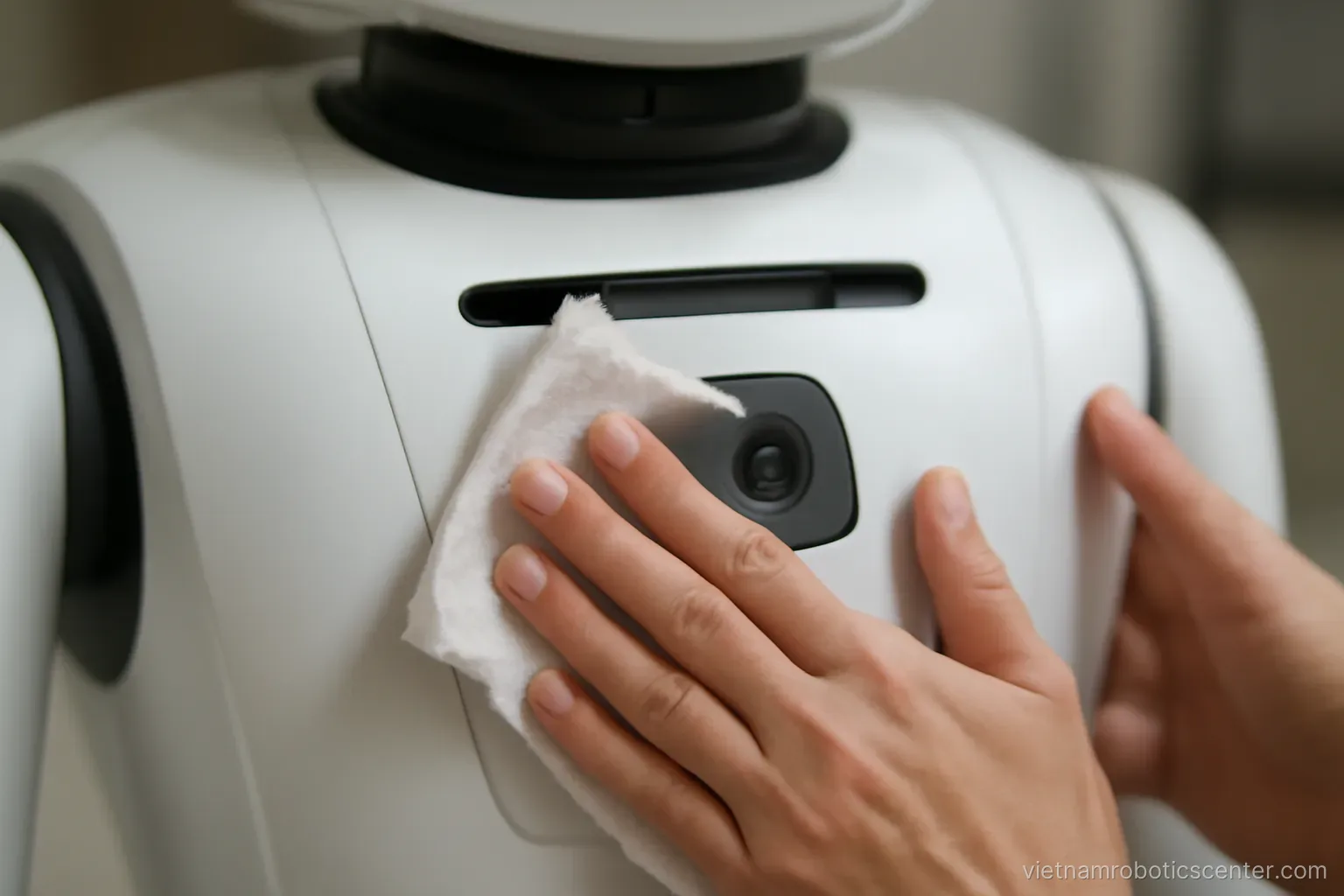
Wipe sensors daily. Soft cloth, dry or slightly damp. No harsh chemicals. Distance sensors and cameras obscured by dust cause the robot to stop for no reason or bump into things.
Wipe the screen. Customers touch it so it soils quickly, and a dirty screen creates the opposite impression to the one intended.
Clean the wheels weekly. Hair, thread and dust wrapped around the axles cause drift and noise. This takes a few minutes and is very commonly forgotten entirely.
Check ventilation openings. Blocked vents cause overheating and reduced performance.
Wipe the casing. Beyond appearance, a clean casing makes cracks and damage easier to spot early.
Never spray water directly. Most service robots are not water resistant. Use a damp cloth rather than a spray.
Battery care
The battery is the most expensive part to replace and its life depends on how it is treated.
Avoid frequent deep discharge. Charge at around a quarter remaining rather than waiting for it to empty.
Do not leave it permanently on charge if the manual advises otherwise. Read the manufacturer's guidance, as different chemistries have different requirements.
Avoid heat. Do not park the robot in direct sun or near heat sources. Heat degrades batteries faster than anything else.
Charge before long storage. If it will not be used for weeks, charge to the recommended level then power down rather than leaving it flat.
Track operating time. Record monthly how long it runs from a full charge. A declining figure is the clearest indicator of battery condition and tells you when to plan a replacement.
Know the replacement cost in advance. Ask at purchase, because this is a significant expense in year two or three and belongs in the budget from the start.
Monthly inspection
About half an hour, on a fixed day.
Run the full route. If it moves. Look for places where it slows unexpectedly, stops for no reason, or drifts.
Check the map. If the layout has changed, update it.
Check volume and audio quality. Speakers weaken over time.
Check screen touch response. Areas responding poorly.
Check fixings and covers. Loose screws, ill-fitting panels.
Check for software updates. Whether one exists and whether to install it. Not every update should be applied immediately — ask the supplier what changes.
Back up configuration. If the system allows exporting configuration and content, do it regularly and store it off the robot.
When to call the supplier
Knowing what to handle yourself and what to escalate.
Handle yourself. Robot jammed by an obstacle, flat battery, lost network connection, needing a restart, wrong content.
Call. Drifting despite cleaned sensors. Persistent unusual noise. Battery draining abnormally fast. Screen or touch faults. Repeated self-restarts. Error codes not covered in the manual.
Call immediately without delay. Burning smell, smoke, cracked casing exposing electrical parts, movement not following commands. Cut power and call.
What to prepare when calling. The displayed error code, an exact description of the behaviour, when it started, and what you have already tried. The more specific, the faster a resolution — and many issues are solvable remotely.
Log every call. What the fault was and how it was resolved. This history reveals recurring problems and is useful evidence in warranty discussions.
Frequently asked questions
Which maintenance task has the biggest impact?
Wiping sensors daily. Distance sensors and cameras obscured by dust cause the robot to stop without reason or collide with objects, and this is the most common reason movement quality deteriorates.
Which task is most commonly forgotten entirely?
Cleaning the wheels. Hair, thread and dust wrapped around the axles cause drift and noise, and it takes only a few minutes a week that almost nobody thinks to spend.
How do you monitor battery condition?
Record monthly how long the robot runs from a full charge. The declining figure is the clearest indicator and it tells you when to plan a replacement — a significant expense in year two or three.
When must you cut power and call immediately?
Burning smell, smoke, cracked casing exposing electrical parts, or movement not following commands. These are not situations to troubleshoot or wait out.
More in Robots for real estate and showrooms and Service robots in hospitality and retail.